TAB 2021 겨울방학 학회활동 [슬기로운 코딩생활]
3주차 TIL입니다.
작성자 : 38기_조주희
기능들은 강의에서 다 했던 것들이라 따로 정리해서 여기다는 안 쓸거임
https://sand8594.tistory.com/13
https://sand8594.tistory.com/14
https://sand8594.tistory.com/15
https://sand8594.tistory.com/16
https://sand8594.tistory.com/17
[노마드코더] 바닐라JS 공부 8일차 (Weather)
유저의 위치 찾기 // Geolocation 8.0 navigator 객체 : 브라우저와 관련된 정보를 컨트롤함, 브라우저에 대한 버전, 정보 종류 등 관련된 정보 제공 function onGeoOk(position) { const lat = position.coords.l..
sand8594.tistory.com
index.html
<!DOCTYPE html>
<html lang="en">
<head>
    <meta charset="UTF-8">
    <meta http-equiv="X-UA-Compatible" content="IE=edge">
    <meta name="viewport" content="width=device-width, initial-scale=1.0">
    <title>Momentum App</title>
    <link rel="preconnect" href="https://fonts.googleapis.com">
    <link rel="preconnect" href="https://fonts.gstatic.com" crossorigin>
    <link href="https://fonts.googleapis.com/css2?family=Do+Hyeon&display=swap" rel="stylesheet">
    <style>
        * {
            font-family: 'Do Hyeon', sans-serif;
        }
    </style>
    <link rel = "stylesheet" href = "style.css">
</head>
<body>
    <div class = "momentum">
        <header>
            <div class = "header-container" id = "todolist-string">To Do List</div>
            <div class = "header-container" id = "login-wrap">
                <form class = "hidden" id = "login-form">
                    <input required maxlength = "15" type = "text" placeholder = "What is your name?"/>
                    <button>Log In</button>
                </form>
                <h1 id = "greeting" class = "hidden"></h1>
            </div>
            <div class = "header_container" id = "date&clock">
                <div id = "now_date"></div>
                <div id="clock">00:00:00</div>
            </div>
        </header>


        <form id = "todo-form">
            <input required type="text" placeholder="Write a To Do and Press Eneter">
        </form>
        <ul id = "todo-list">

        </ul>
        <div id="quote">
            <span></span>
            <span></span>
        </div>
        <div id ="weather">
            <span></span>
            <span></span>
    </div>

    </div>
    <script src = "js/clock.js"></script>
    <script src = "js/greeting.js"></script>
    <script src = "js/quotes.js"></script>
    <script src = "js/background.js"></script>
    <script src = "js/todo.js"></script>
    <script src = "js/weather.js"></script>
</body>
</html>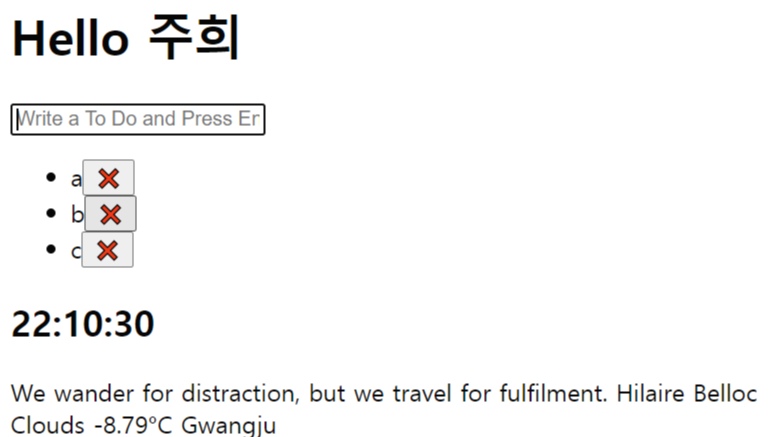
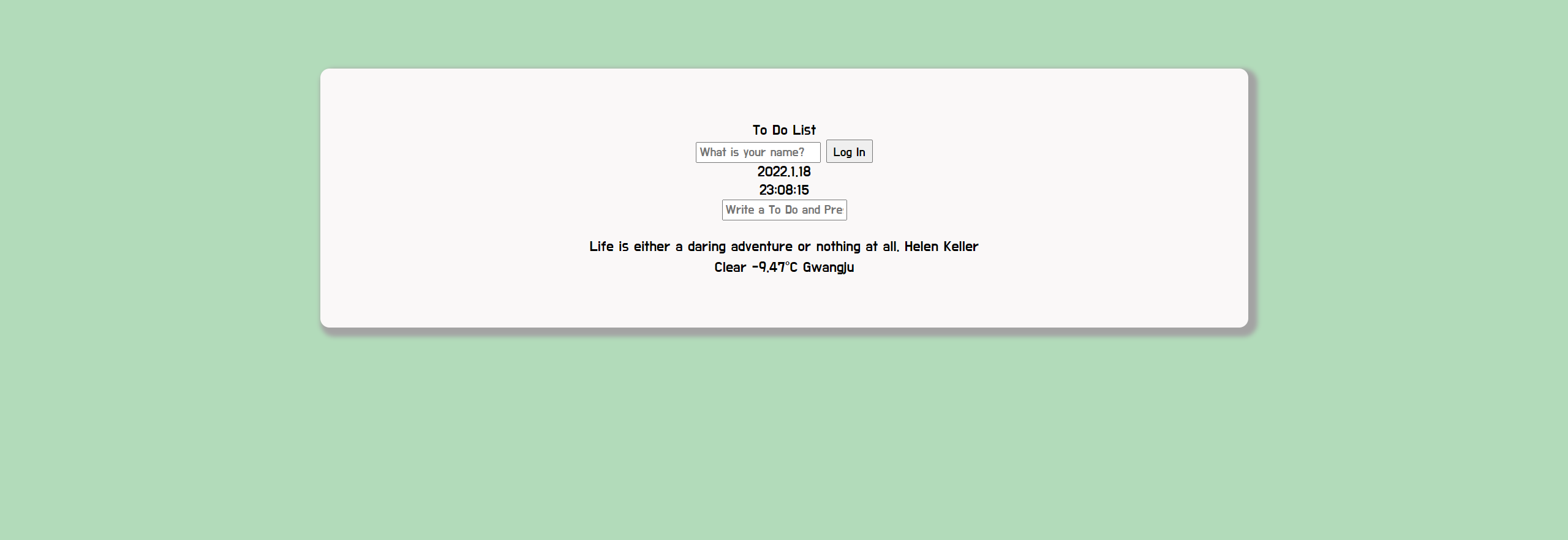
momentum 클래스 설정
하얀 색 박스가 정가운데 오도록 해야함
가운데 정렬하기
.momentum {
  margin: 0 auto;
}
0은 위 아래 여백을 주지 않는다는 의미이고 auto는 가로 중앙에 배치한다는 뜻이다.

박스 모델 말고 img나 text는 text-align:center 사용
나는 위를 좀 띄우고 싶으므로
margin: 75px auto로 설정했음
나머지 박스 크기들이나 이런거 다 해서 momentum 클래스 css설정은 이렇게 마무리되었음
.momentum {
  margin: 75px auto;
  max-width: 900px;
  padding: 30px;
  width: 65%;
  background-color: rgb(250, 248, 248);
  border-radius: 10px;
  box-shadow: 5px 5px 5px 5px rgb(163, 163, 163);
}
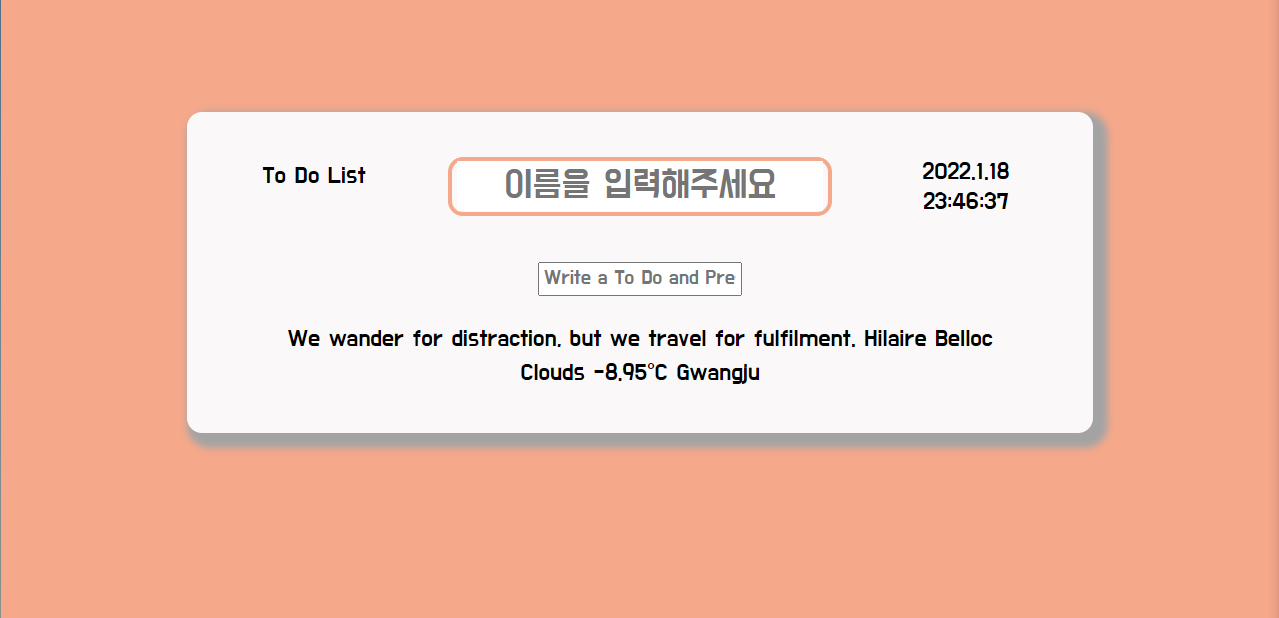
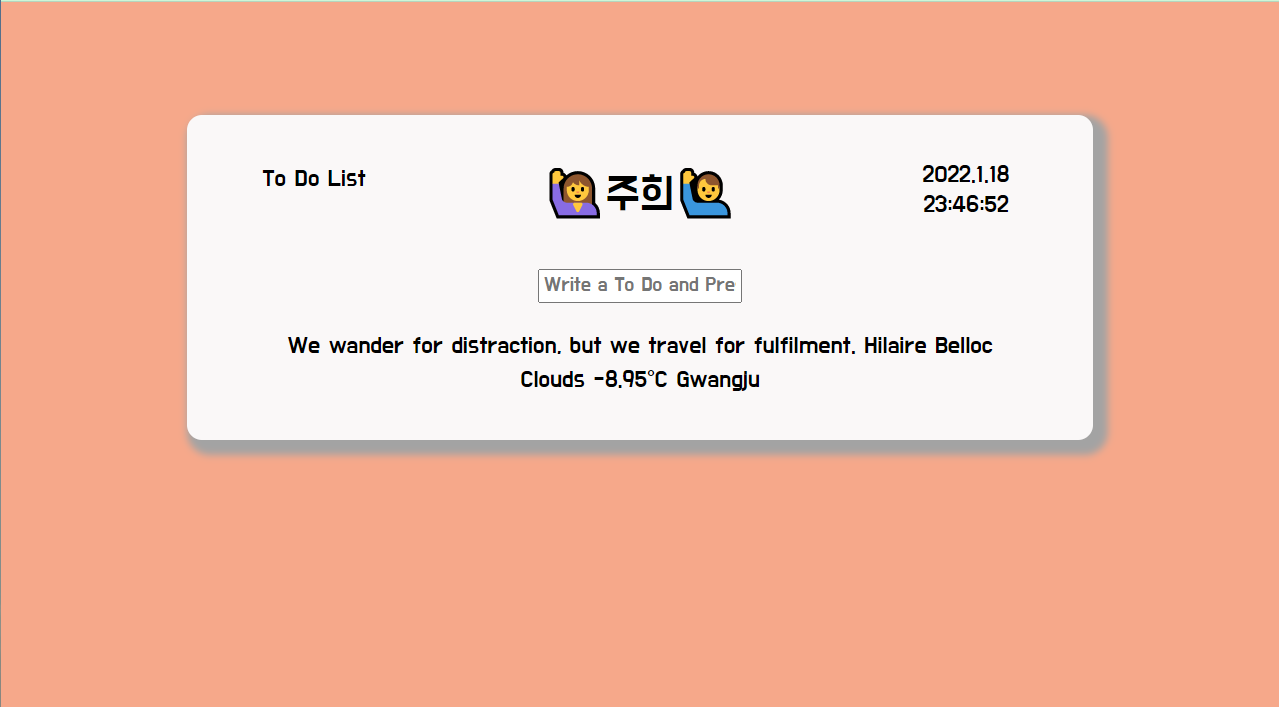
header 설정
header의 요소 세개 (todolist글귀, greeting, 날짜)는 서로 한 줄에 출력하고 싶다.
그래서 grid를 이용해볼 것이다. (flex 써도 됨)
grid에 대한 자세한 설명은 이 포스팅이 제일 좋음! 참고
https://studiomeal.com/archives/533
이번에야말로 CSS Grid를 익혀보자
이 포스트에는 실제 코드가 적용된 부분들이 있으므로, 해당 기능을 잘 지원하는 최신 웹 브라우저로 보시는게 좋습니다. (대충 인터넷 익스플로러로만 안보면 된다는 이야기) 이 튜토리얼은 “
studiomeal.com
header {
  display: grid;
  grid-template-columns: 1fr 3fr 1fr;
}
부모 요소에 display:gird 이렇게 설정하고 나는 1:3:1 비율이 좋을 거 같아서 각각 fr로 작성해주었다.
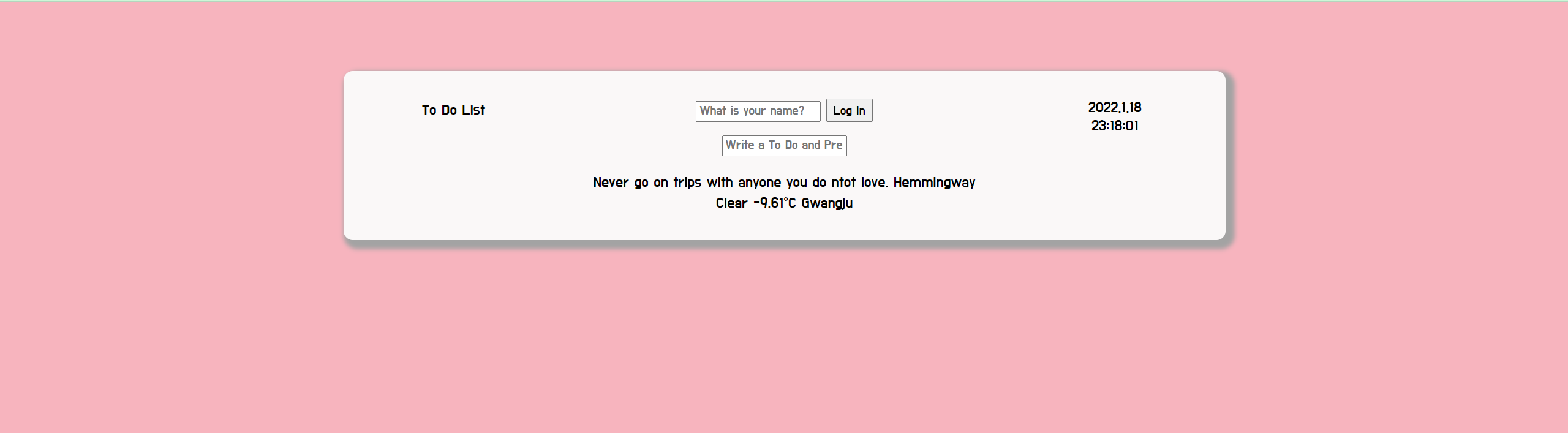
header 중 greeting 설정
로그인 버튼이 별로 실용성이 없는 것 같아서 없앴고
이름 입력받는 창의 테두리를 배경과 같은 색으로 설정하도록 했음
=> js 파일 수정
loginForm.style.borderColor = chosenColor;이거만 쓰면 됨
최종 css는 이렇게
#login-form {
  border: 3px solid;
  border-radius: 10px;
  width: 250px;
  margin: 0 auto;
}
#login-input {
  font-size: 25px;
  outline: none;
  border: none;
  text-align: center;
}
#greeting {
  font-size: 30px;
}